AI Search
How to Put Your Business on ChatGPT (Free, Step by Step)
Lake Kincaid, Reven Marketing™ · · 4 min read

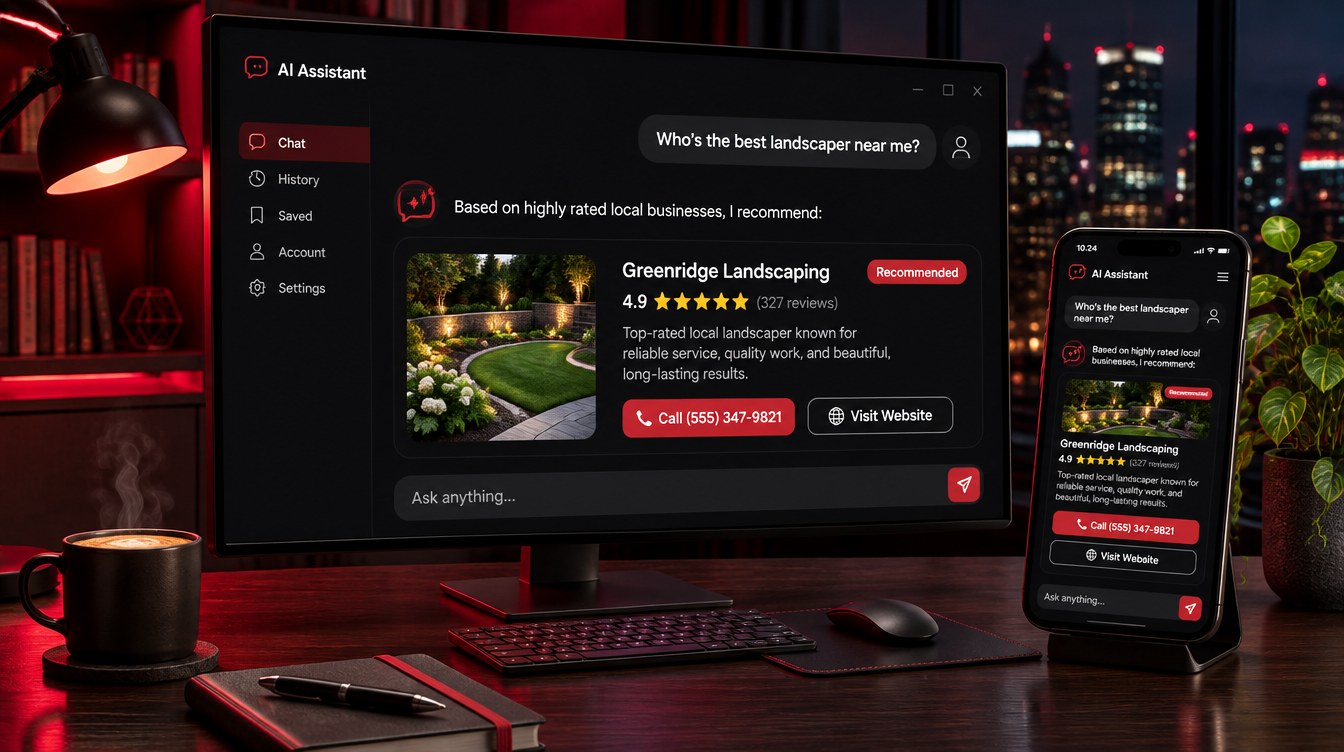
More of your customers are asking ChatGPT who to hire before they ever open Google. "Who's a good concrete contractor in Martinez?" "Best nanny agency in the Bay Area?" ChatGPT answers with a few names.
In November 2026, OpenAI opened Businesses in ChatGPT: a free profile you can claim, so the answer ChatGPT gives about your business comes from you, not from whatever it scraped.
We've set it up for six businesses so far, including ours. Here's the exact process, plus the spots where we got stuck.
What it is (and what it isn't)
- It's free. No ad spend, no subscription.
- It controls what ChatGPT says about you: your hours, services, contact info, photos and website.
- It isn't a ranking button. OpenAI is clear that claiming a profile doesn't guarantee you'll be recommended. Think of it like a Google Business Profile: you can't win without one, but having one alone doesn't make you #1.
Before you start, have these ready
- A way to prove the business is yours: a business phone that can get a text, a business email on your own domain, or access to your website's DNS settings. (DNS is the cleanest if your website person can add one record.)
- Your ID. The person claiming the business does a one-time photo ID check.
- Your business tax ID (EIN, or SSN for a sole proprietor) and one business document, such as a business license or IRS letter.
- Your logo (square) and a cover image at exactly 1200 × 400 pixels. Other sizes get rejected.
- A few real photos of your work.
Step by step
1. Go to the Business Hub
Sign in to ChatGPT and go to chatgpt.com/business-hub. Click Add.
2. Search for your business
If ChatGPT already knows about you (it often pulls from Maps and directory data), you'll see your listing. Claim it instead of making a new one. If you're not there, create a new profile.
3. Verify you own it
Pick a method: business phone, business email, or a DNS record on your website.
Our tip: if your business line is a landline that can't receive texts, use the DNS option. It's a single TXT record, and leaving it in place doesn't hurt anything.
4. Pass the ID check
You'll do a quick photo ID verification for yourself. This happens once per person.
5. Verify the business itself
This part is per business. It asks whether you're a sole proprietor or an entity (LLC, corporation), then for your tax ID and a business document.
Watch out: choose the entity type carefully. We picked the wrong one on one profile, and there was no back button. Fixing it took a support ticket.
6. Fill in your profile
Once approved, fill in everything:
- About: what you do, in plain words a customer would use.
- Services: list them the way people actually ask ("driveway replacement," not "hardscape solutions").
- Contact: phone, website, email.
- Hours and location or service area.
- Photos: logo, the 1200 × 400 cover, and real job photos.
Watch out: add photos in one batch. If you add more while an earlier photo change is still in review, the earlier ones can disappear.
7. Check your insights
The hub shows Mentions (how often ChatGPT brings you up), profile views, and website clicks. One of our clients went from 6 mentions to 23 in a single week after their profile was filled in.
8. The business agent (rolling out now)
Some businesses can now turn on a ChatGPT agent that answers customer questions using your profile. OpenAI is turning it on gradually by business type, so you may see "isn't available yet." Check back every week or so.
The mistakes we see most
- A wrong or dead website link. ChatGPT had one of our clients pointing to a website they hadn't used in years. Fix it in the profile.
- Wrong photos. The map card ChatGPT shows in chat can pull photos from a look-alike business. Use Report this business on the card to correct it.
- Vague services. If your profile says "solutions," ChatGPT can't match you to "who fixes cracked driveways near me."
- Different info everywhere. Your hours and phone should match on Google, Yelp, Apple Maps, your website and ChatGPT. AI tools trust what's consistent.
Want it done for you?
Everything above is free, and you can absolutely do it yourself in an afternoon. If you'd rather keep working and let someone else handle it, along with your Google profile, website and reviews, that's what we do.
Book a 15-minute call or call Lake at (925) 984-0643.

About the author
Lake Kincaid, founder of Reven Marketing. Lake ran his own local service business before starting Reven, and now builds websites, Google profiles and AI search setups for local businesses and brands of every size across the U.S.